The Challenge
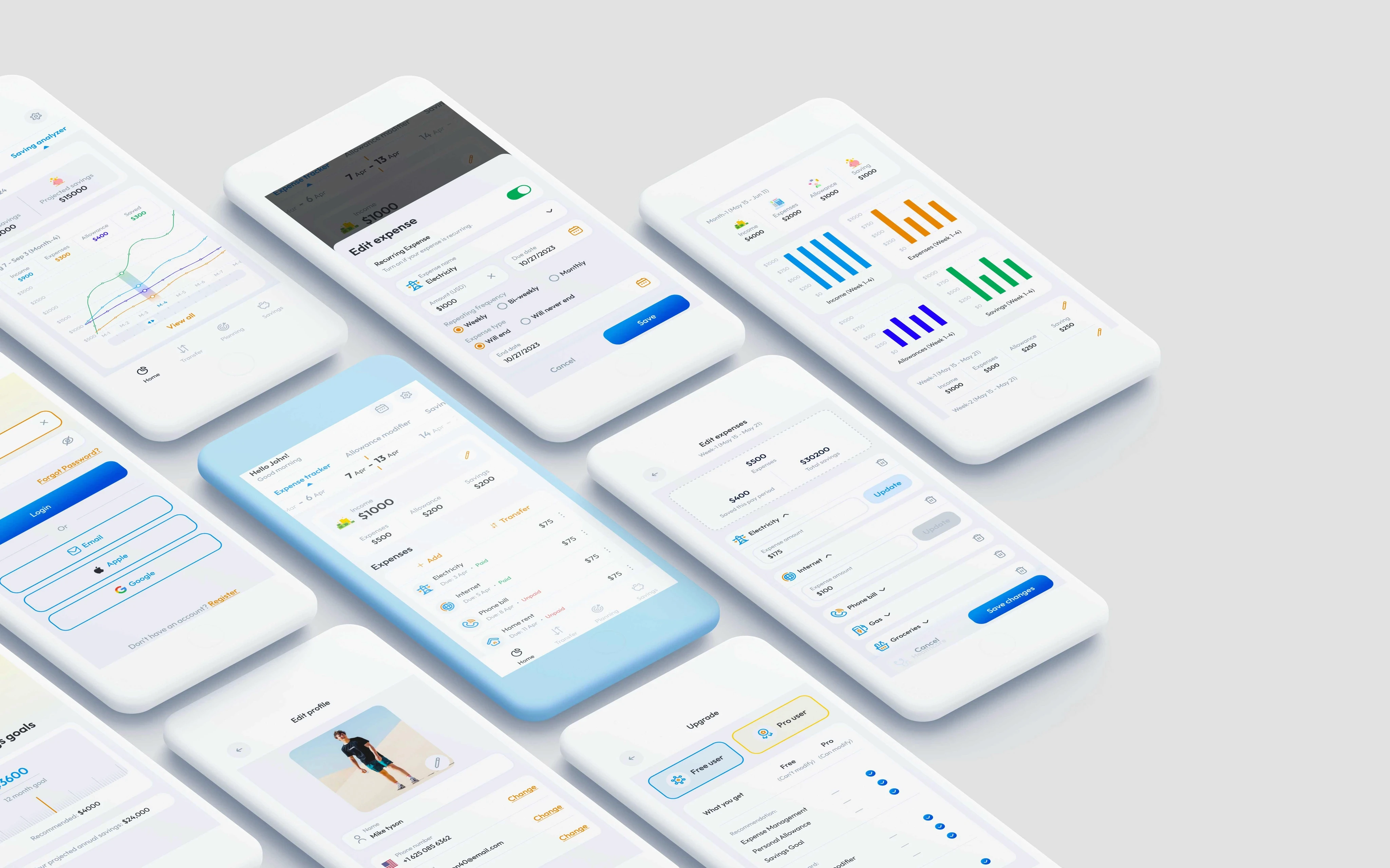
The Budget Bible sounds like a powerful tool for personal finance, but designing a clear and engaging UI/UX for such an app comes with its own set of challenges.
Information overload: Tracking expenses, budget goals, savings, and debt in one place can easily lead to information overload. Designing a clear and concise interface with intuitive navigation and data visualization will be crucial.
Visual hierarchy: Prioritizing important information like current budget status, upcoming bills, and savings progress visually will help users focus and make informed decisions.
Data privacy and security: Financial data is highly sensitive, so building trust through a secure and transparent data protection system is essential. Clear UI elements for managing permissions and understanding data usage will be vital.
Customization and flexibility: Different users have different budgeting styles and goals. The app should offer a range of customization options for categories, budget periods, and goal tracking to cater to individual needs.
Gamification and motivation: Keeping users engaged with their finances can be tricky. Utilizing gamification elements like progress bars, small animations, and rewards for achieving financial goals can help users stay motivated.
Accessibility: The app should be accessible to users with diverse abilities, including those with visual or cognitive impairments. Clear labeling, consistent navigation patterns, and support for assistive technologies are crucial.
Additional Feature: The app should have some additional feature to make users use this app with more functionality.
Weekly / Bi-weekly Pay: The app caters to common pay cycles like weekly and bi-weekly salaries
Process
I started this project with one of my colleague by understanding the user's needs, and gathering information. We conducted extensive research on the competitors to identify best practices, trends and give people some new feature to engage them in saving more.
User research
Synthesis the findings
Ideating the solution
Craft a prototype with the main idea
Test the app to validate the idea
Solution
Information Overload:
Progressive disclosure: Show essential information on the main screen, with details revealed progressively on sub-screens.
Data visualization: Use graphs, charts, and icons to represent complex data visually and simplify comprehension.
Customizable dashboards: Allow users to personalize their home screen with the most relevant financial information.
Monthly & Yearly info: Users can see their Savings and expanses in months and year.
Weekly and Bi-weekly pay: Most people get their pay Weekly or Bi-weekly
Visual Hierarchy:
Color coding: Use distinct colors to differentiate income, expenses, and savings.
Size and placement: Emphasize important information with larger font sizes and prominent positioning.
Interactive elements: Implement progress bars, charts, and buttons for key metrics to grab attention.
Data Privacy and Security:
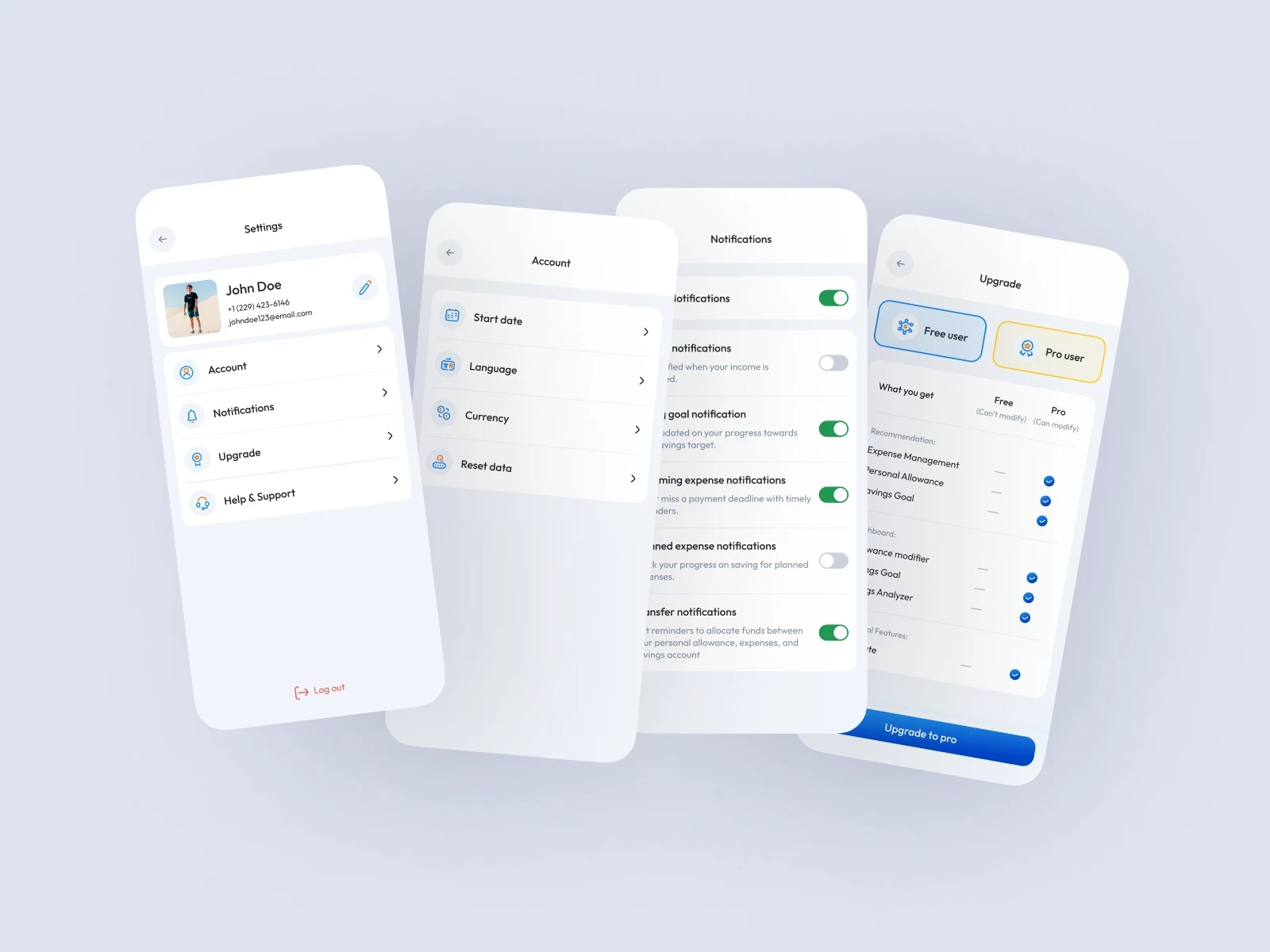
Clear data handling policies: Make data usage and privacy policies easy to find and understand.
Multi-factor authentication: Implement secure login methods to protect user data.
Data encryption: Encrypt sensitive financial information both in transit and at rest.
Customization and Flexibility:
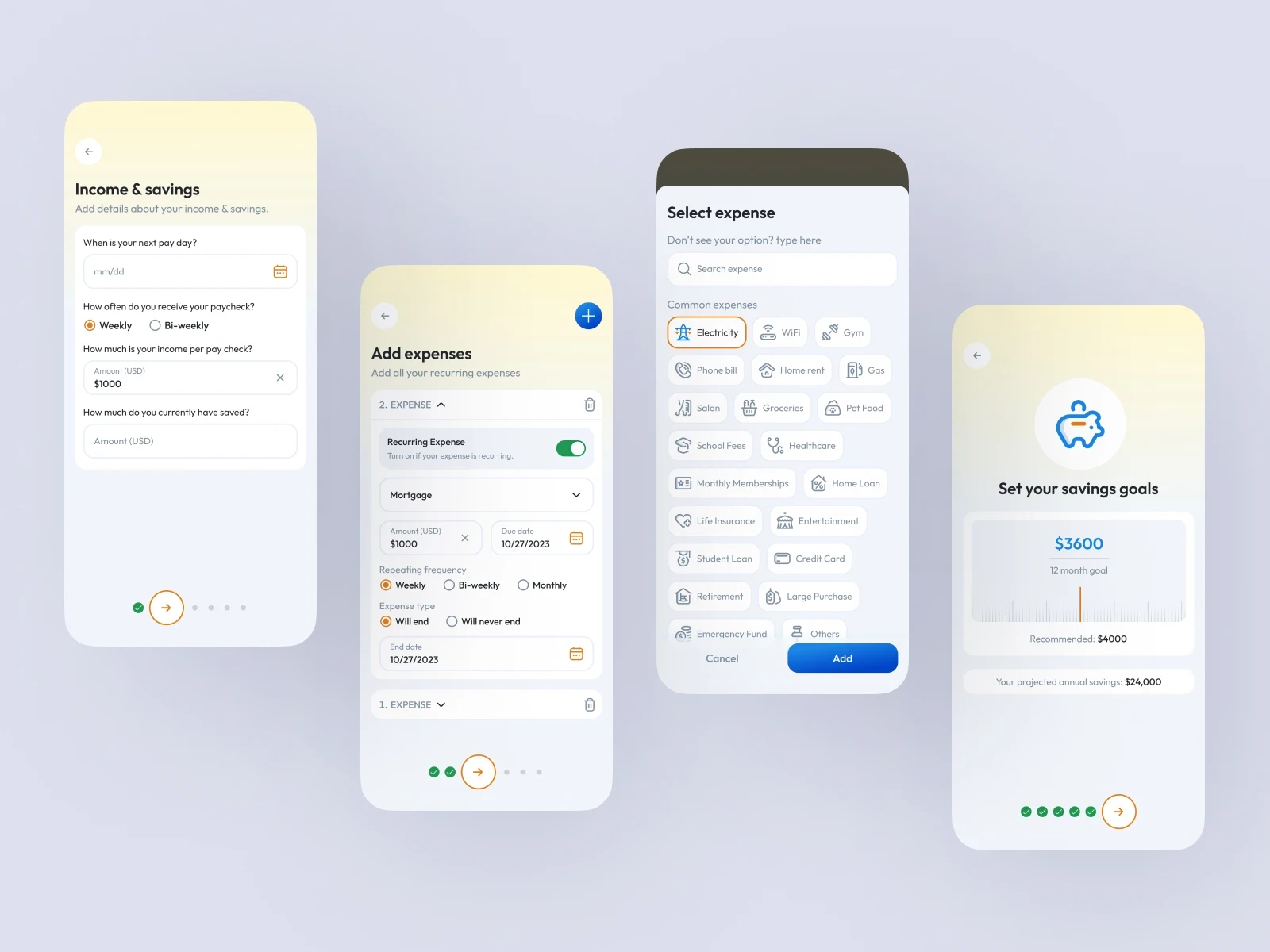
Category management: Allow users to add, remove, and rename expense categories to reflect their spending habits.
Budgeting options: Offer different budgeting methods like zero-based budgeting or envelope budgeting.
Goal customization: Let users set personalized savings goals with flexible timelines and progress tracking.
Gamification and Motivation:
Visual feedback: Provide encouraging visualizations like progress bars and charts to celebrate achievements.
Accessibility:
High contrast fonts and colors: Ensure adequate color contrast for optimal readability.
Keyboard navigation: Enable full keyboard navigation for users who prefer it.
Additional Feature:
The app allows users to open in app bank accounts which helps users to save money accordingly
eg: A user can simply open an account in their children name and start to save money from the day they are born.
Weekly / Bi-weekly Pay:
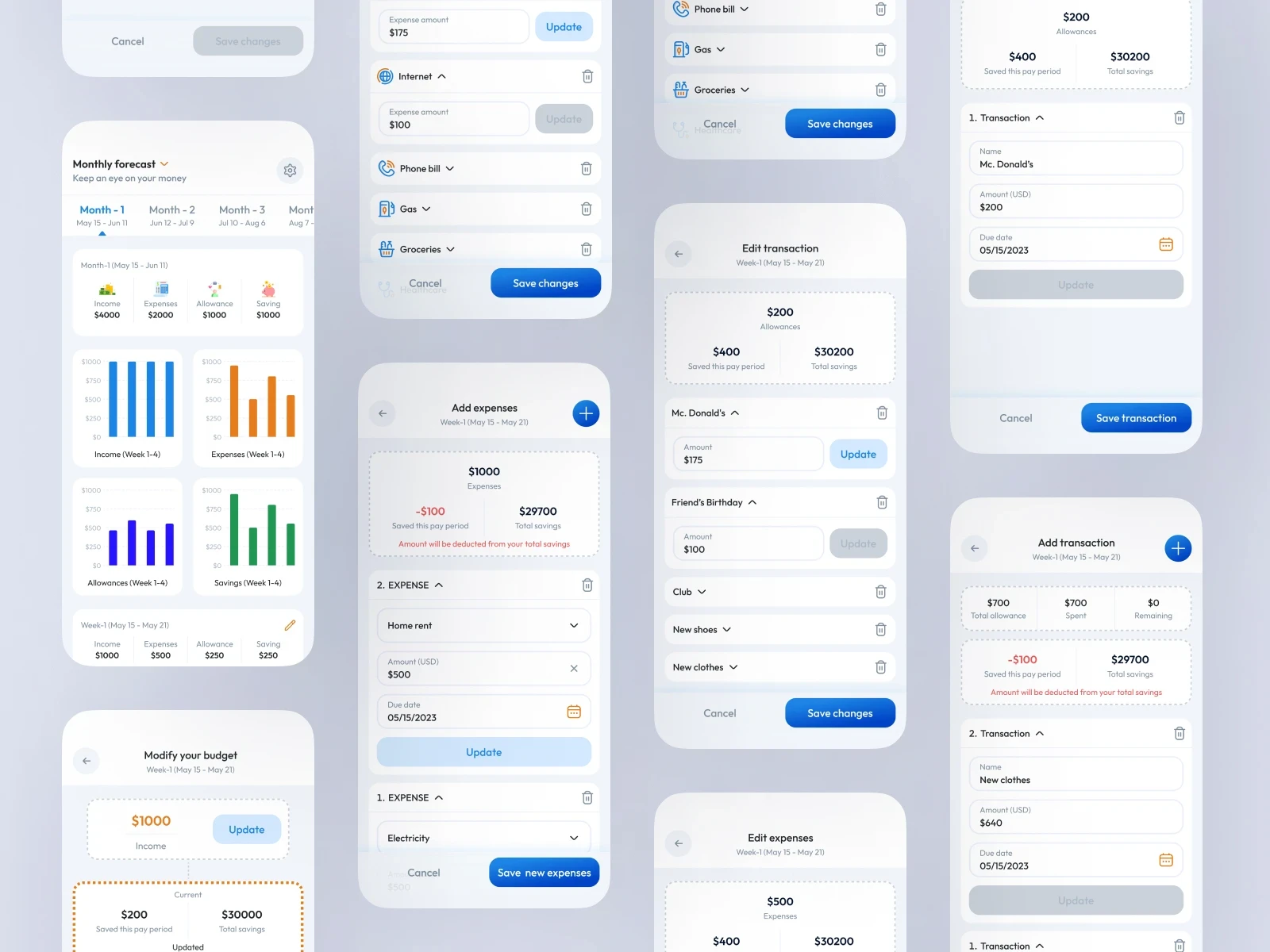
This feature was one of the most difficult to implement, as we are tackling with budget mostly graphs are shown monthly or yearly but in our case we need to show weekly / bi-weekly. After so much research and analysis I came up with the idea to give 13 months in a year instead of 12.
Here we are not following our universal calendar instead the app has a customized calendar which starts with the user Pay day.
The Pay can be tackled weekly or bi weekly according to the user needs.
Key takeaways
After 2 months of continuously working on this app, I learn too much about how the UX actually works for a user. The app is still in development.